AI Application Prototyping with Coding Agents
From Idea to Working Application — Build Faster with AI Coding Agents.
- 2 Weeks | 4 Instructor-Led Live Zoom Sessions | Tuesdays & Thursdays | 8:00–9:00 PM IST
- Enrollment Open — Starts 8 October 2026
6 practical AI applications in 3 days, 2 per day: one for coders, one for non-coders. Free options for every project (Gemini free tier, LM Studio, Claude free plan); works with any AI tool.
 Designed & taught byDinesh Kushwaha
FormatLive online via Zoom
Designed & taught byDinesh Kushwaha
FormatLive online via Zoom
Developers who want to build with AI, and non-technical professionals (managers, analysts, founders and students) who want to use AI well at work. Every day has a project for coders and one for non-coders, so everyone leaves with working AI applications, on free tools or the AI tools they already use.
Practical AI engineering for everyone. In three live evenings you build six working AI applications, two per day. Each day covers one core AI engineering concept with two hands-on builds: one for coders and one for non-coders. We use free tools as much as possible, and paid tools only where they show a concept more clearly. Taught live in English by Dinesh Kushwaha.
Two apps per day. Pick your path, or follow both.
Day 1 Full-Stack AI Application Development
For coders:
Build a full-stack, AI-powered dashboard application: Angular front end, FastAPI back end and a SQLite database. A coding agent writes the code; the app's AI runs on Gemini's free tier.
Taught with Claude Code or GitHub CopilotFree option Google AntigravityAlso works with Codex or ChatGPT
For non-coders:
Create an AI-powered dashboard application by describing it in plain English, with AI-assisted, no-code workflows.
Taught with Claude and Claude CodeFree option Claude free planAlso works with ChatGPT, Gemini or Copilot
Day 2 Retrieval-Augmented Generation (RAG)
For coders:
Build a RAG application with vector embeddings, LangChain and ChromaDB, then upgrade it with LangGraph. The LLM is Gemini (free tier) or an open-source model in LM Studio.
Taught with Gemini free tier + LM Studio; code written with Claude Code or GitHub CopilotFree option Gemini + LM Studio, with Google Antigravity as the coding agentAlso works with OpenAI or Claude APIs, or any LLM
For non-coders:
Create a knowledge-based AI assistant in Claude Projects that answers from your own documents and files, connected to your data with a connector.
Taught with Claude (Projects + a connector)Free option Claude free plan: up to 5 projects and one connectorAlso works with ChatGPT Projects or Gemini
Day 3 AI Agents & Model Context Protocol (MCP)
For coders:
Build an AI agent and connect it to external tools and services with MCP. The agent thinks with Gemini (free tier) or LM Studio; a coding agent writes the code.
Taught with Gemini free tier + LM Studio; code written with Claude Code or GitHub CopilotFree option Gemini + LM Studio, with Google Antigravity as the coding agentAlso works with OpenAI or Claude APIs, or any LLM
For non-coders:
Create an AI-powered workflow with Claude Code and MCP integrations, with minimal manual coding.
Taught with Claude Code + MCPFree option Claude free plan with a connector, or Google AntigravityAlso works with Codex, GitHub Copilot or ChatGPT
Three kinds of AI tool power the bootcamp. For each one: what we teach with, the free option, and what else works.
The LLM inside your apps
The AI model your coded apps call to think and answer.
Taught withGemini (free tier API) + LM Studio
Free optionBoth free: Gemini's free-tier key and local open-source models in LM Studio
Also works withOpenAI (ChatGPT), Claude or any other LLM and API key
The coding agent (coders)
The AI that writes, explains and fixes the code with you.
Taught withClaude Code or GitHub Copilot, for live demos
Free optionGoogle Antigravity, or GitHub Copilot's free plan
Also works withCodex, ChatGPT or any coding agent
The AI assistant (non-coders)
The AI app you build with, by describing what you want.
Taught withClaude and Claude Code
Free optionClaude's free plan: up to 5 projects and one connector
Also works withChatGPT, Gemini, Copilot or any AI assistant
How tools are used in class
The same 90-minute format every day, so you always know what's next.
You write some code (Python or JavaScript helps). A coding agent writes most of it with you, and your apps use Gemini's free tier or LM Studio as the LLM. You build with Angular, FastAPI and SQLite (Day 1), LangChain, ChromaDB and LangGraph (Day 2) and MCP (Day 3).
Coding agent: Claude Code or GitHub Copilot (free option: Google Antigravity) · LLM: Gemini free tier + LM Studio
You don't write code. You describe what you want and Claude builds it with you.
Claude and Claude Code (free option: Claude's free plan) · works the same way in ChatGPT, Gemini and Copilot
Not sure? Follow both paths. You get the guides and recordings for both.
The problem: "I have an app idea, but building it takes weeks."
See how an AI-powered application is put together, then build one in a single evening with an AI coding agent doing most of the work.
For coders: Build a full-stack, AI-powered dashboard application with an Angular front end, a FastAPI back end and a SQLite database. The coding agent writes the code; the app's AI runs on Gemini's free tier.
Taught with Claude Code or GitHub CopilotFree option Google AntigravityAlso works with Codex or ChatGPT
For non-coders: Create an AI-powered dashboard application using AI-assisted, no-code workflows.
Taught with Claude and Claude CodeFree option Claude free planAlso works with ChatGPT, Gemini or Copilot
The problem: "AI doesn't know my documents or my company's data."
Give AI your own knowledge so it answers from your documents and files, not just from the internet.
For coders: Build a RAG application with vector embeddings, LangChain and ChromaDB first, then upgrade it with LangGraph. The coding agent writes the code; Gemini or LM Studio answers the questions.
Taught with Gemini free tier + LM Studio; Claude Code or GitHub CopilotFree option Gemini + LM Studio, with Google Antigravity as the coding agentAlso works with OpenAI or Claude APIs, or any LLM
For non-coders: Create a knowledge-based AI assistant in Claude Projects that works with your own documents and files, linked to your data with a connector.
Taught with Claude (Projects + a connector)Free option Claude free plan: up to 5 projects and one connectorAlso works with ChatGPT Projects or Gemini
The problem: "I want AI that takes action, not just answers."
Build AI that uses real tools and services to get work done, connected through the Model Context Protocol.
For coders: Build an AI agent and integrate external tools and services using MCP. It reasons with Gemini's free tier or LM Studio; the coding agent writes the code.
Taught with Gemini free tier + LM Studio; Claude Code or GitHub CopilotFree option Gemini + LM Studio, with Google Antigravity as the coding agentAlso works with OpenAI or Claude APIs, or any LLM
For non-coders: Create an AI-powered workflow using Claude Code and MCP integrations, with minimal manual coding.
Taught with Claude Code + MCPFree option Claude free plan with a connector, or Google AntigravityAlso works with Codex, GitHub Copilot or ChatGPT
No. Every project has a free option: Gemini's free-tier key and LM Studio for the LLM, Google Antigravity or GitHub Copilot's free plan as a coding agent, and Claude's free plan for the no-code builds (up to 5 projects and one connector).
We use free tools as much as possible. Where a paid tool, such as Claude Code or GitHub Copilot, shows a concept more clearly, Dinesh demonstrates with it so every concept is crystal clear. You can always follow along with the free option.
The apps' LLM is Gemini's free tier or LM Studio. Coders see Claude Code or GitHub Copilot writing the code. Non-coders build with Claude and Claude Code. Each build uses one tool on screen, so it is easy to follow.
Yes. ChatGPT, Gemini, Codex, Copilot or any LLM and API key you already have will work. The concepts are the same; only the names and designs differ slightly from tool to tool.
No. Every day has a project for non-coders, built with Claude. If you can code, you build the coders' project the same evening.
If you write some code (Python or JavaScript helps), choose "For coders". Otherwise choose "For non-coders". You can follow both: the guides and recordings cover both paths.
Three live evenings of 1.5 hours on Zoom. The start date and timings are shown under "Next batch" and "Schedule" at the top of this page.
Every session is recorded and on the LMS within 24 hours, with the guides, so you can catch up before the next evening.
A laptop or desktop with a stable internet connection and Zoom, a free Google account (for Gemini) and a free Claude account. LM Studio is free and runs open-source models on your own computer; it works best with 16 GB of RAM, and Gemini is the alternative. You get a setup checklist before Day 1.
Yes. You get a certificate from a registered company when you complete the bootcamp.
You keep lifetime access to the session recordings.
Founder, Dinesh AI Academy · Principal Software Engineer & Application Architect
Dinesh has spent 18+ years architecting and delivering 50+ enterprise-scale platforms and has coached more than 1,000 engineers. He teaches AI the way he builds it: practical, secure, and focused on what works in production.
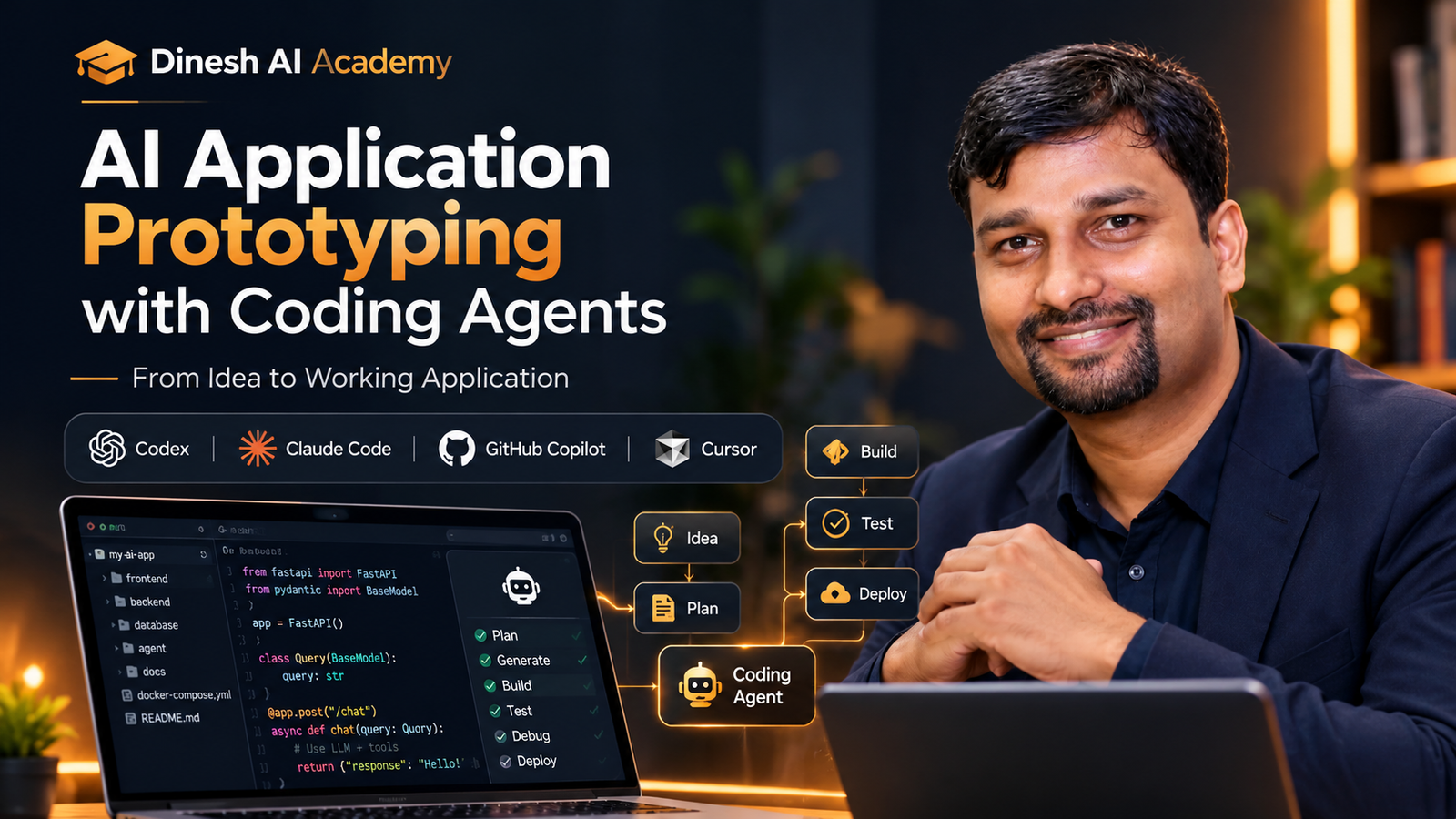
Read Dinesh's storyFrom Idea to Working Application — Build Faster with AI Coding Agents.
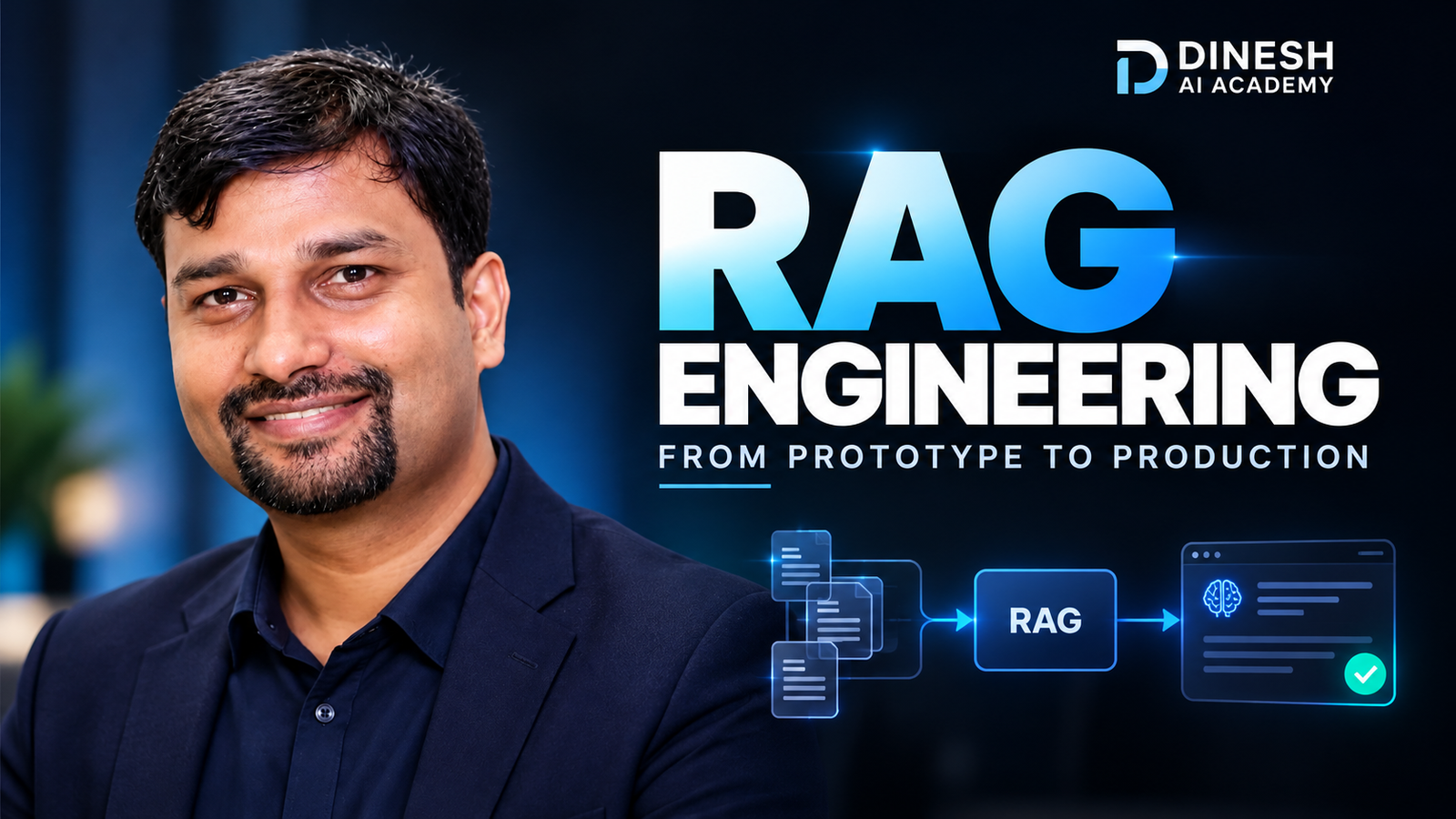
Go Beyond Basic Vector Search — Build Reliable, Grounded & Production-Ready RAG Systems.
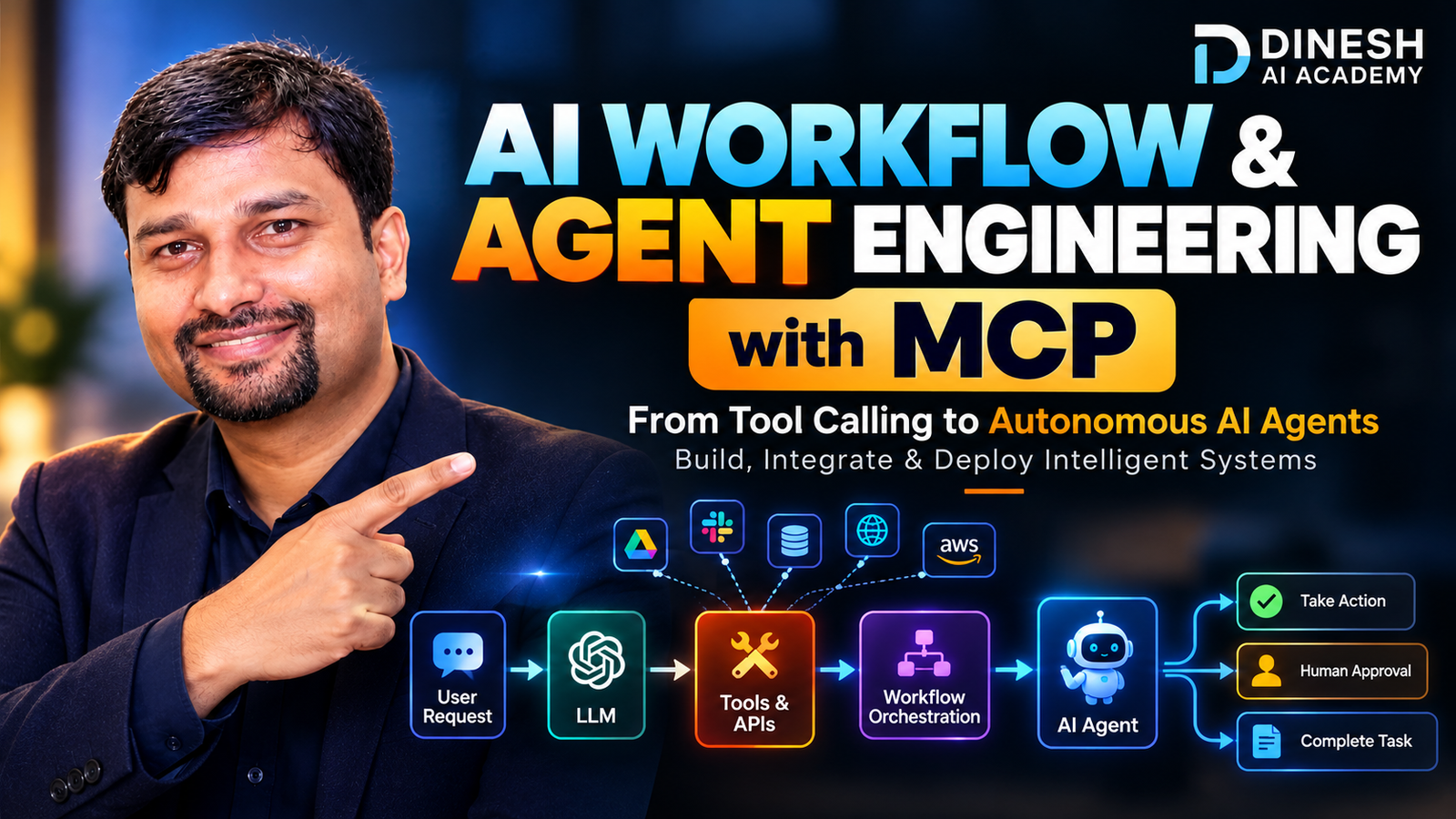
From Tool Calling to Autonomous AI Agents — Build, Orchestrate & Integrate Intelligent Systems with MCP.