
20% OFF — Advanced AI Engineering Program | Now ₹19,999 (Regular ₹25,000). Enroll → Enroll
Microsoft Copilot & Power Automate Intermediate English Early Bird

Copilot Studio & Power Automate Mastery: Live Cohort

Microsoft 365 Copilot, SharePoint, Copilot Studio agents and Power Automate, live in a small weekend batch for working professionals.

Designed & taught byDinesh Kushwaha FormatLive online via Zoom, small batch
Duration
6 weekends · 12 sessions × 1.5 h (18 hours)
Schedule
Saturday + Sunday, 1.5 h each
Cohort
Only 12 seats per batch
Taught in
English

What you'll walk away with

  • Prompt templates for Copilot across Outlook, Teams, Word and Excel
  • A cited Copilot Studio agent on your SharePoint content, live in Teams
  • Agents with tools and actions that update business records safely
  • Power Automate flows with approvals and AI Builder document processing
  • Agents connected to Dataverse, a database and an external API
  • An event-driven agent plus a governance and rollout plan IT will sign

Who it's for

Professionals in Microsoft 365 organisations who want to build AI agents and automations: managers, team leads, analysts, consultants, IT and operations teams, and Power Platform makers. Comfortable with Excel and SharePoint; no coding needed.

Curriculum

The same curriculum as 1:1 coaching, taught live to a small batch of 6–12 professionals over six weekends. You build every project yourself, with help in the session and in the batch WhatsApp group.

Module 1 · Sessions 1–2: Microsoft 365 Copilot foundations

Use Copilot where you already work, and understand how it uses your organisation's data.

  • Copilot in Outlook, Teams, Word, Excel and PowerPoint, and Copilot Chat
  • How Copilot is grounded in Microsoft Graph and respects permissions
  • Prompting patterns for meetings, email, reports and analysis

You build: Prompt templates for your 3 most frequent tasks across Microsoft 365.

Module 2 · Sessions 3–4: SharePoint knowledge & your first Copilot Studio agent

Organise SharePoint so AI can use it, then build an agent that answers from it with citations.

  • SharePoint sites, libraries, metadata and permissions that work well for AI
  • Copilot Studio: knowledge sources, instructions and generative answers
  • Testing, then publishing the agent to Teams and Microsoft 365 Copilot

You build: A cited policy/SOP agent on your SharePoint content, live in Teams.

Module 3 · Sessions 5–6: Copilot Studio in depth: topics, tools & actions

Design conversations and give your agent tools so it can take action, not just answer.

  • Topics, variables, conditions and adaptive cards
  • Tools and actions: connectors, prompts and agent flows
  • Authentication, channels and confirmation before any write

You build: An agent that looks up and updates records with confirmations.

Module 4 · Sessions 7–8: Power Automate & AI Builder

Automate the work around the agent: approvals, notifications and documents.

  • Cloud flows: triggers from email, SharePoint, Forms and Teams
  • Approvals, scheduled flows and error handling
  • AI Builder: invoice and document processing, text and image models

You build: An invoice-to-SharePoint flow with an approval step.

Module 5 · Sessions 9–10: Connecting the Microsoft ecosystem & beyond

Bring your company systems into agents and flows.

  • Outlook, Teams, Dataverse, Excel Online, SQL and Azure DevOps connectors
  • Custom connectors from an OpenAPI file; MCP servers in Copilot Studio
  • Dataverse basics for structured business data

You build: An agent connected to a database and an external business API.

Module 6 · Sessions 11–12: Autonomous agents, governance & capstone

Run agents on events, coordinate several agents, and roll out safely with IT.

  • Event triggers and autonomous agents; connected and multi-agent setups
  • Power Platform admin: environments, DLP policies, ALM and analytics
  • Licensing, cost and a rollout plan; capstone demo on your own problem

You build: An event-driven agent, a governance and rollout plan, and your capstone agent.

Tools & technologies

Microsoft 365 CopilotCopilot StudioPower AutomateSharePointTeamsAI BuilderDataverseCustom connectorsMCPAzure DevOpsPower Platform admin

Your instructor

Dinesh Kushwaha

Dinesh Kushwaha

Founder, Dinesh AI Academy · Principal Software Engineer & Application Architect

Dinesh has spent 18+ years architecting and delivering 50+ enterprise-scale platforms and has coached more than 1,000 engineers. He teaches AI the way he builds it: practical, secure, and focused on what works in production.

Read Dinesh's story
Keep Exploring

You might also like.

AI Application Development Beginner हिंदी + English 37% OFF — Launch Offer

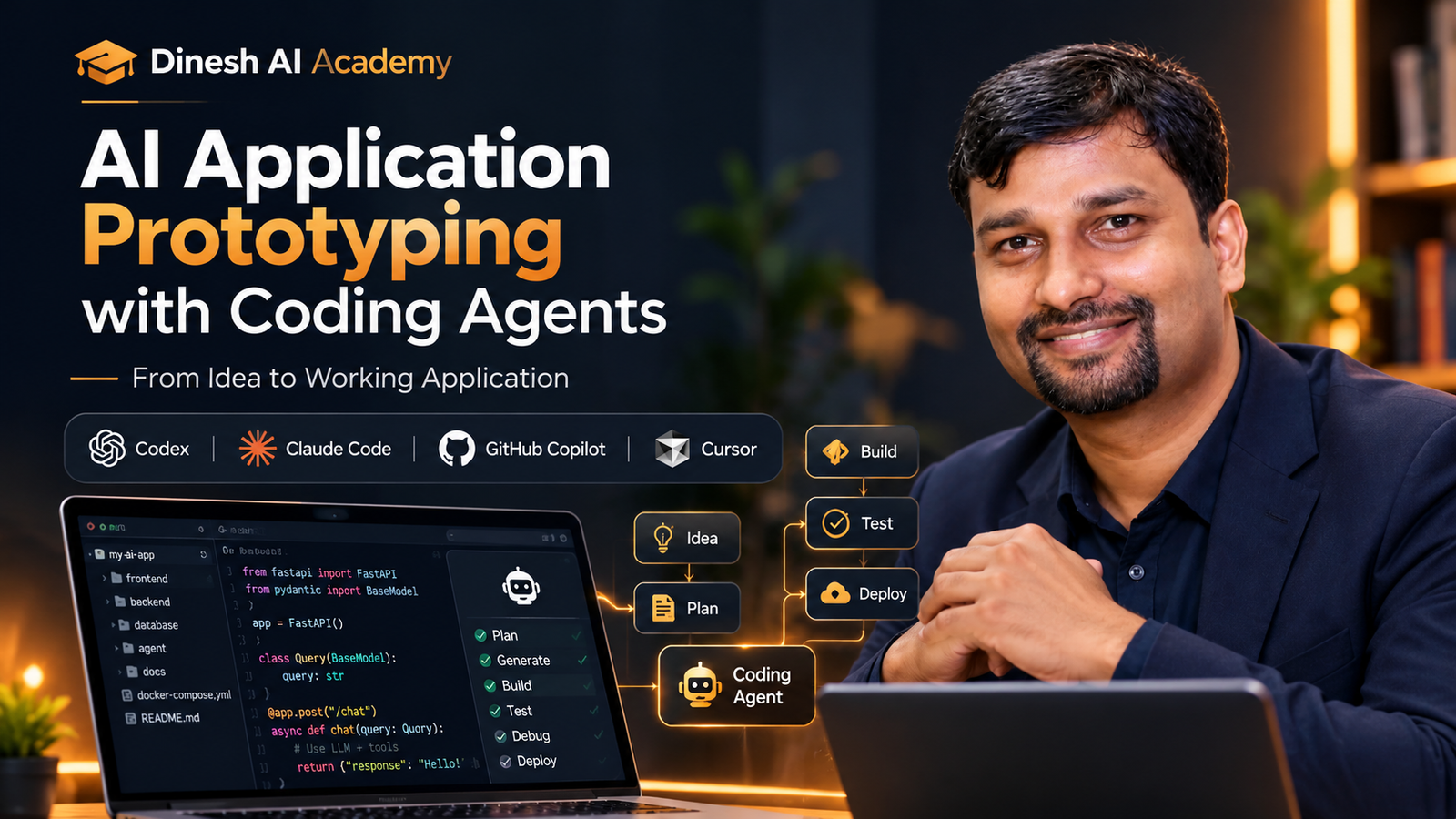
AI Application Prototyping with Coding Agents

From Idea to Working Application — Build Faster with AI Coding Agents.

  • 2 Weeks | 4 Instructor-Led Live Zoom Sessions | Tuesdays & Thursdays | 8:00–9:00 PM IST
  • Enrollment Open — Starts 8 October 2026
₹4,999₹7,999Save 38%
AI Engineering Beginner हिंदी + English 37% OFF — Launch Offer

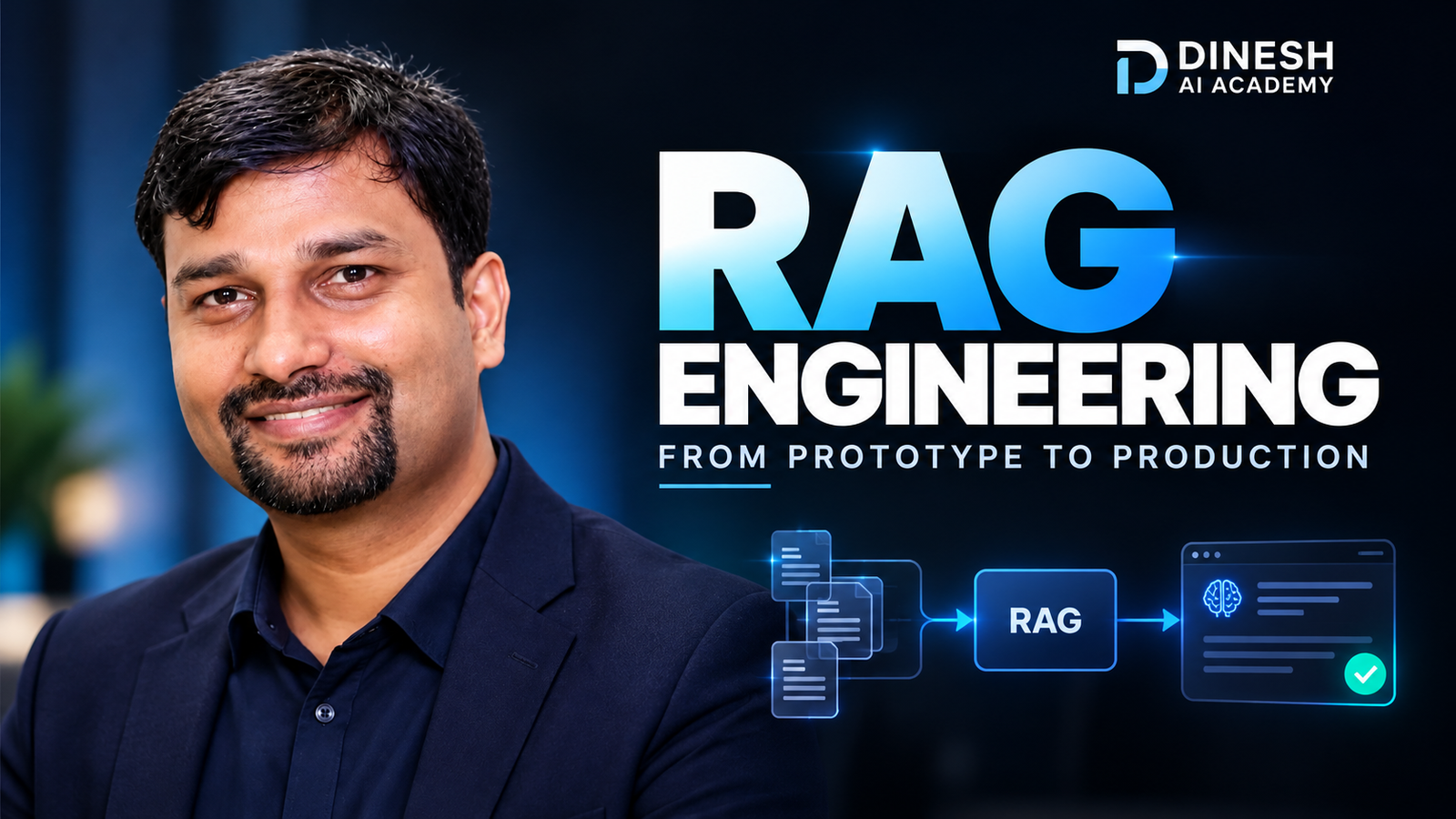
RAG Engineering: From Prototype to Production

Go Beyond Basic Vector Search — Build Reliable, Grounded & Production-Ready RAG Systems.

  • 2 Weeks | 4 Instructor-Led Live Zoom Sessions | Tuesdays & Thursdays | 8:00–9:00 PM IST
  • Enrollment Open — Starts 8 October 2026
₹4,999₹7,999Save 38%
AI Agents & Automation Beginner हिंदी + English 37% OFF — Launch Offer

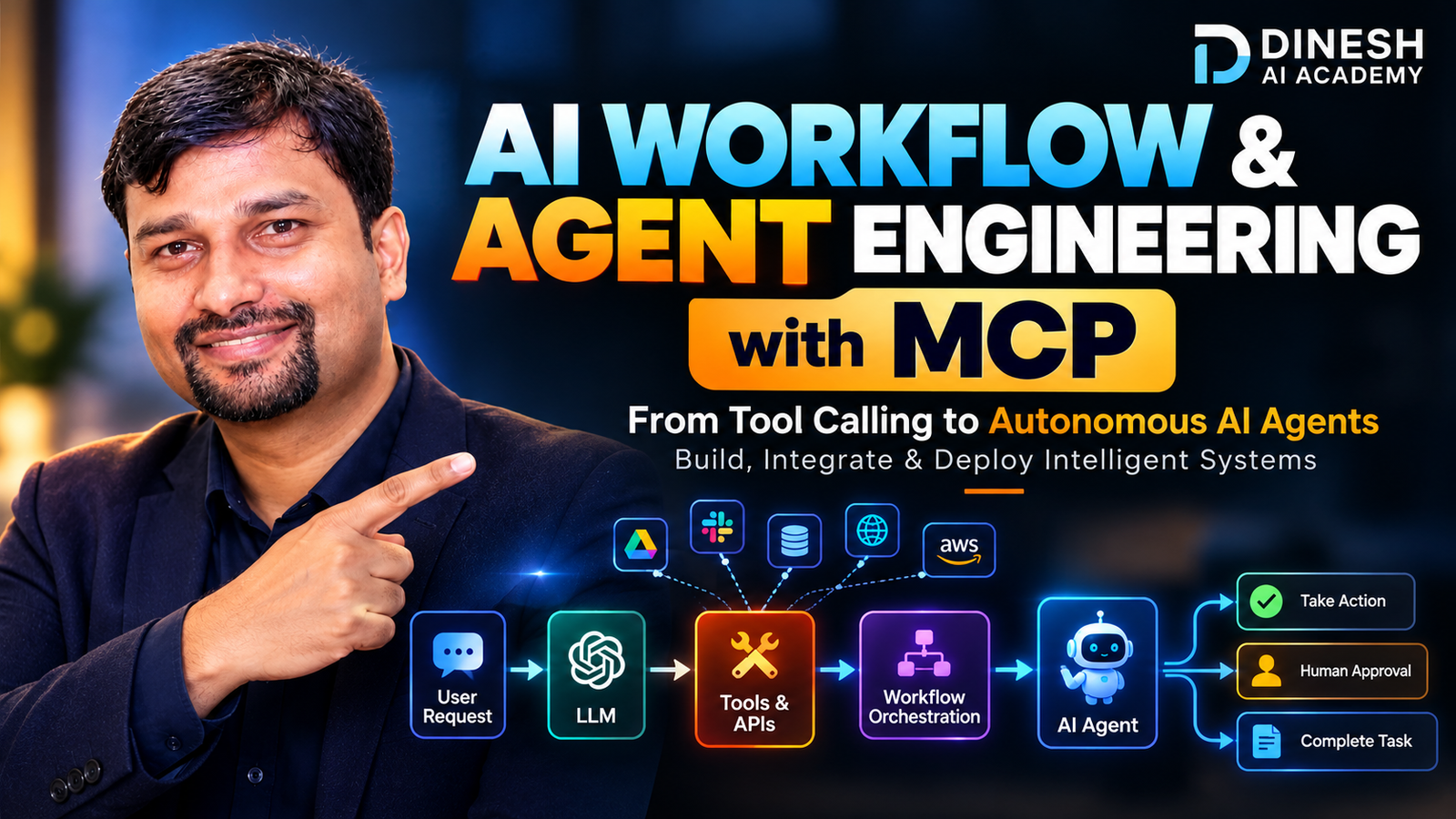
AI Workflow & Agent Engineering with MCP

From Tool Calling to Autonomous AI Agents — Build, Orchestrate & Integrate Intelligent Systems with MCP.
  • 2 Weeks | 4 Instructor-Led Live Zoom Sessions | Tuesdays & Thursdays | 8:00–9:00 PM IST
  • Enrollment Open — Starts 8 October 2026
₹4,999₹7,999Save 38%
₹9,999₹14,999Save 33%
Reserve My Seat