
20% OFF — Advanced AI Engineering Program | Now ₹19,999 (Regular ₹25,000). Enroll → Enroll
Microsoft Copilot & Power Automate Intermediate English Founding Price

Copilot Studio & Power Automate Mastery: 1:1 Coaching

Build AI agents and automations across Microsoft 365: Copilot, SharePoint, Copilot Studio and Power Automate. One-to-one, on your own work.

Designed & taught byDinesh Kushwaha FormatLive 1:1 online via Zoom
Duration
6 weeks · 12 sessions × 1.5 h (18 hours)
Schedule
Two sessions a week, at times that suit you
Cohort
One-to-one: limited coaching slots each month
Taught in
English

What you'll walk away with

  • Prompt templates for Copilot across Outlook, Teams, Word and Excel
  • A cited Copilot Studio agent on your SharePoint content, live in Teams
  • Agents with tools and actions that update business records safely
  • Power Automate flows with approvals and AI Builder document processing
  • Agents connected to Dataverse, a database and an external API
  • An event-driven agent plus a governance and rollout plan IT will sign

Who it's for

Professionals in Microsoft 365 organisations who want to build AI agents and automations: managers, team leads, analysts, consultants, IT and operations teams, and Power Platform makers. Comfortable with Excel and SharePoint; no coding needed.

Curriculum

Build AI agents and automations inside Microsoft 365: Copilot, SharePoint, Copilot Studio and Power Automate, connected to your company systems and governed the way IT expects. Twelve one-to-one sessions, scheduled around you, built on your own files and problems. Every session is 20 minutes of concept, 50 minutes of you building and 20 minutes applying it to your work.

Module 1 · Sessions 1–2: Microsoft 365 Copilot foundations

Use Copilot where you already work, and understand how it uses your organisation's data.

  • Copilot in Outlook, Teams, Word, Excel and PowerPoint, and Copilot Chat
  • How Copilot is grounded in Microsoft Graph and respects permissions
  • Prompting patterns for meetings, email, reports and analysis

You build: Prompt templates for your 3 most frequent tasks across Microsoft 365.

Module 2 · Sessions 3–4: SharePoint knowledge & your first Copilot Studio agent

Organise SharePoint so AI can use it, then build an agent that answers from it with citations.

  • SharePoint sites, libraries, metadata and permissions that work well for AI
  • Copilot Studio: knowledge sources, instructions and generative answers
  • Testing, then publishing the agent to Teams and Microsoft 365 Copilot

You build: A cited policy/SOP agent on your SharePoint content, live in Teams.

Module 3 · Sessions 5–6: Copilot Studio in depth: topics, tools & actions

Design conversations and give your agent tools so it can take action, not just answer.

  • Topics, variables, conditions and adaptive cards
  • Tools and actions: connectors, prompts and agent flows
  • Authentication, channels and confirmation before any write

You build: An agent that looks up and updates records with confirmations.

Module 4 · Sessions 7–8: Power Automate & AI Builder

Automate the work around the agent: approvals, notifications and documents.

  • Cloud flows: triggers from email, SharePoint, Forms and Teams
  • Approvals, scheduled flows and error handling
  • AI Builder: invoice and document processing, text and image models

You build: An invoice-to-SharePoint flow with an approval step.

Module 5 · Sessions 9–10: Connecting the Microsoft ecosystem & beyond

Bring your company systems into agents and flows.

  • Outlook, Teams, Dataverse, Excel Online, SQL and Azure DevOps connectors
  • Custom connectors from an OpenAPI file; MCP servers in Copilot Studio
  • Dataverse basics for structured business data

You build: An agent connected to a database and an external business API.

Module 6 · Sessions 11–12: Autonomous agents, governance & capstone

Run agents on events, coordinate several agents, and roll out safely with IT.

  • Event triggers and autonomous agents; connected and multi-agent setups
  • Power Platform admin: environments, DLP policies, ALM and analytics
  • Licensing, cost and a rollout plan; capstone demo on your own problem

You build: An event-driven agent, a governance and rollout plan, and your capstone agent.

Tools & technologies

Microsoft 365 CopilotCopilot StudioPower AutomateSharePointTeamsAI BuilderDataverseCustom connectorsMCPAzure DevOpsPower Platform admin

Your instructor

Dinesh Kushwaha

Dinesh Kushwaha

Founder, Dinesh AI Academy · Principal Software Engineer & Application Architect

Dinesh has spent 18+ years architecting and delivering 50+ enterprise-scale platforms and has coached more than 1,000 engineers. He teaches AI the way he builds it: practical, secure, and focused on what works in production.

Read Dinesh's story
Keep Exploring

You might also like.

AI Application Development Beginner हिंदी + English 37% OFF — Launch Offer

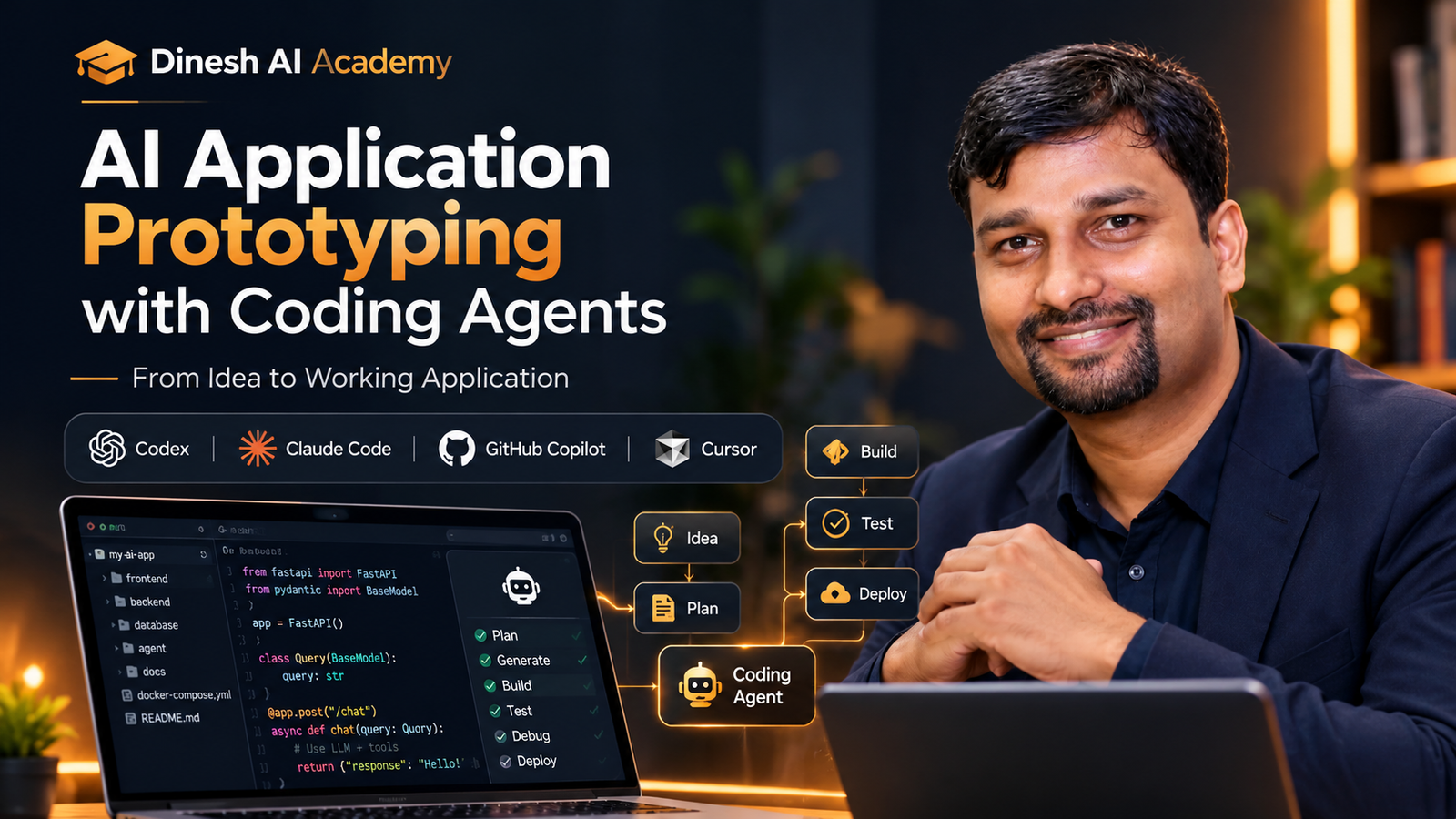
AI Application Prototyping with Coding Agents

From Idea to Working Application — Build Faster with AI Coding Agents.

  • 2 Weeks | 4 Instructor-Led Live Zoom Sessions | Tuesdays & Thursdays | 8:00–9:00 PM IST
  • Enrollment Open — Starts 8 October 2026
₹4,999₹7,999Save 38%
AI Engineering Beginner हिंदी + English 37% OFF — Launch Offer

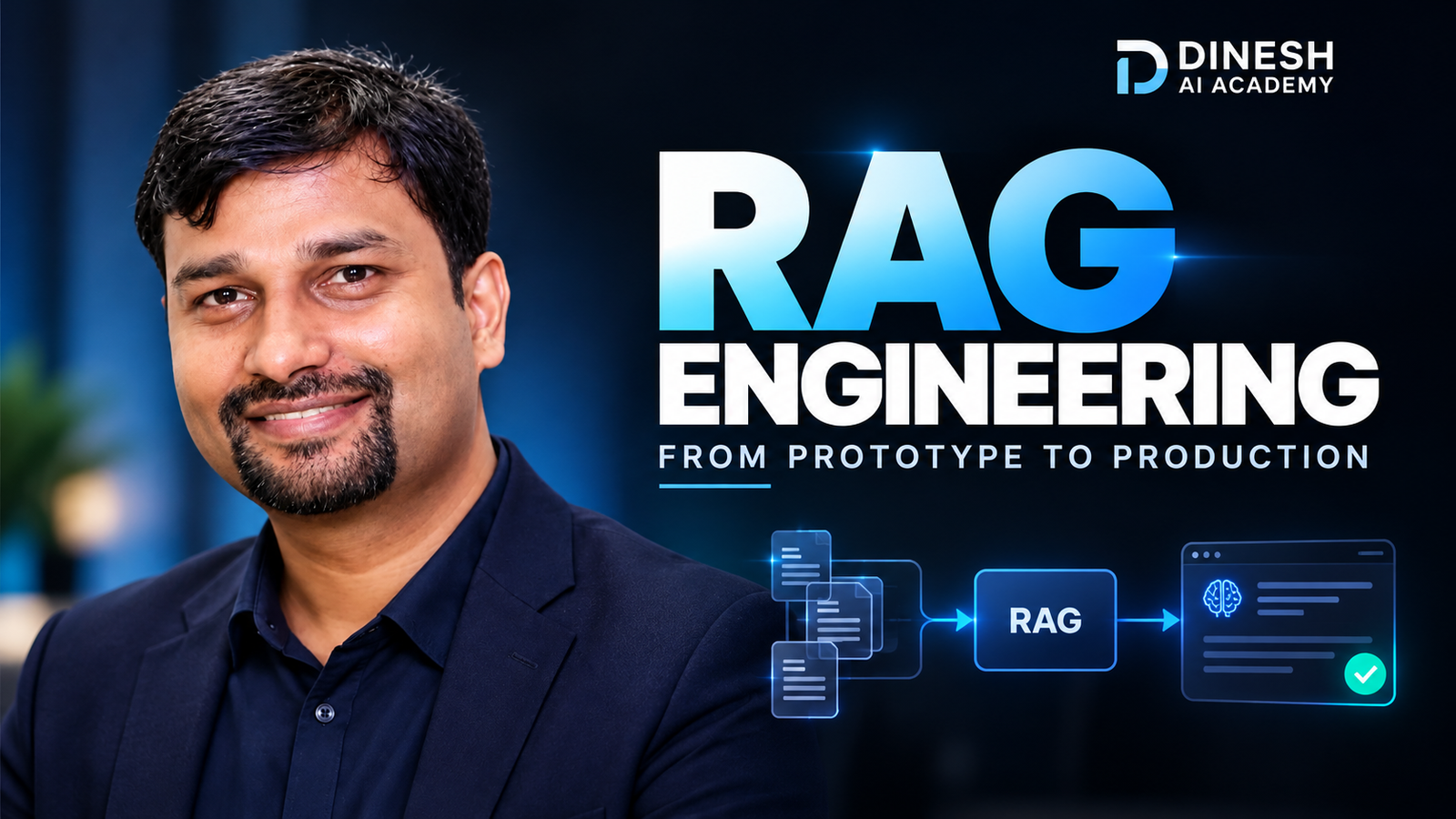
RAG Engineering: From Prototype to Production

Go Beyond Basic Vector Search — Build Reliable, Grounded & Production-Ready RAG Systems.

  • 2 Weeks | 4 Instructor-Led Live Zoom Sessions | Tuesdays & Thursdays | 8:00–9:00 PM IST
  • Enrollment Open — Starts 8 October 2026
₹4,999₹7,999Save 38%
AI Agents & Automation Beginner हिंदी + English 37% OFF — Launch Offer

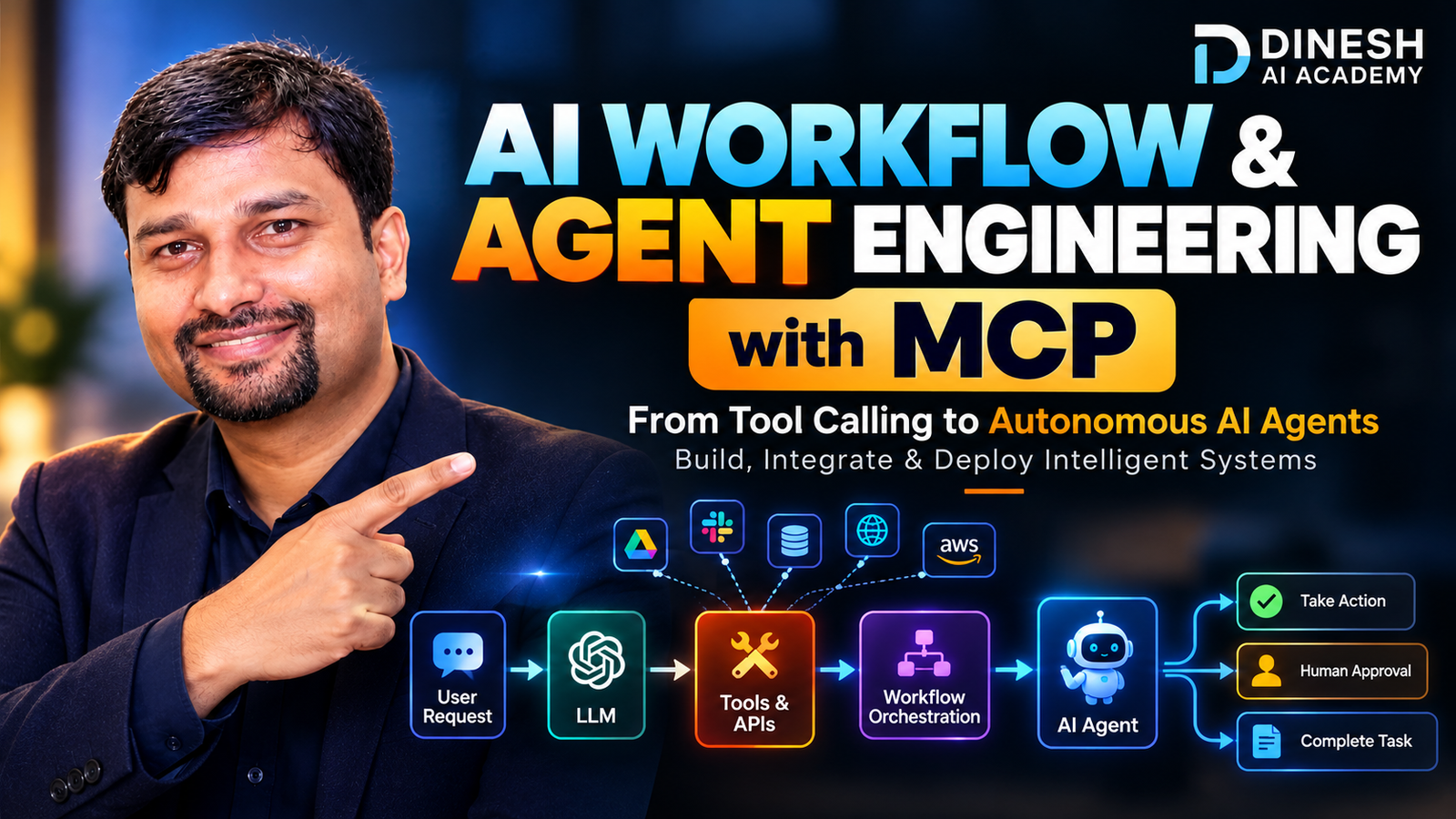
AI Workflow & Agent Engineering with MCP

From Tool Calling to Autonomous AI Agents — Build, Orchestrate & Integrate Intelligent Systems with MCP.
  • 2 Weeks | 4 Instructor-Led Live Zoom Sessions | Tuesdays & Thursdays | 8:00–9:00 PM IST
  • Enrollment Open — Starts 8 October 2026
₹4,999₹7,999Save 38%
₹32,000₹45,000Save 29%